
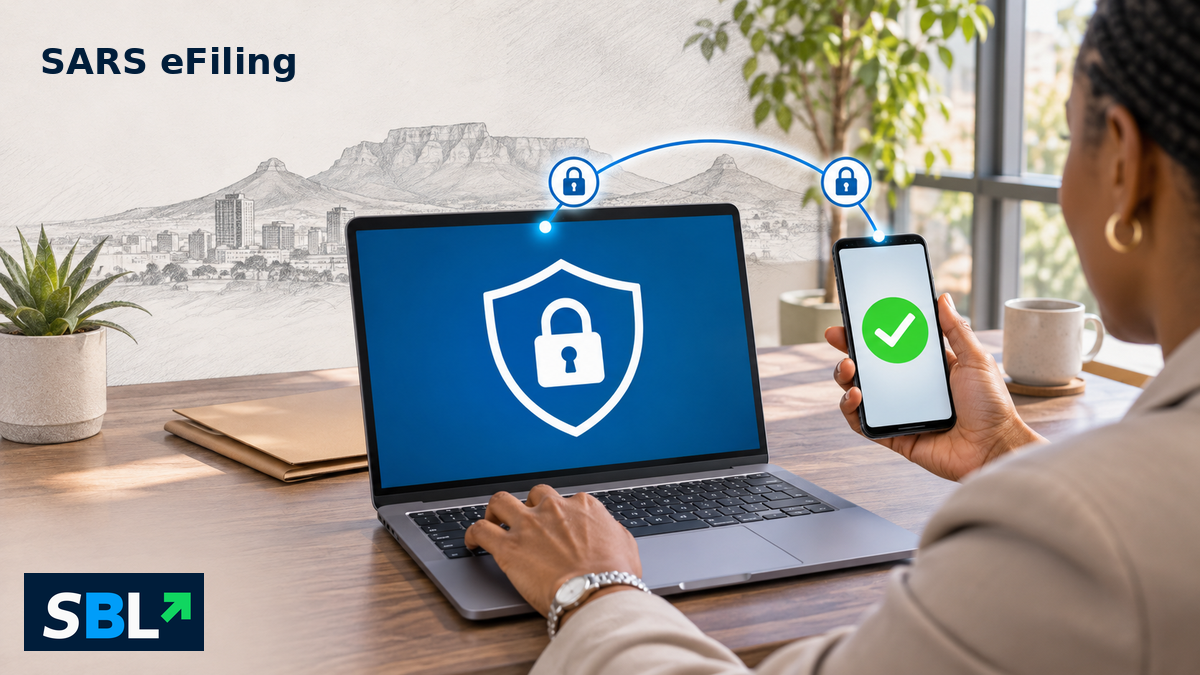
Editorial illustration of additional login verification; not a screenshot of SARS eFiling.
SARS two-factor authentication is now mandatory for tax-practitioner and organisation eFiling profiles. For businesses and accounting practices, the immediate check is whether the people who need access can complete the extra authentication step.
In its 16 November notice, SARS confirmed implementation for these profiles. It asks users to keep their security contact details current, retain access to the registered email address and cellphone, and make sure they are linked to the correct portfolio.
Which profiles does the announcement cover?
Monday’s announcement focuses on practitioner and organisation profiles. That does not mean individual profiles are exempt: section 11.3 of the SARS user-profile guide, effective 16 November, says two-factor authentication is mandatory for all eFiling profile types.
Two-factor authentication adds another check to the password. The guide describes a one-time PIN or authentication through the SARS MobiApp. It does not make the app the only option.
Check the right contact details
The guide makes an important distinction: security contact details are used for authentication and one-time PINs. Entity contact details are used for tax correspondence. A correct address for receiving an assessment is therefore not the same check as a working authentication channel.
Section 11.1 explains how to review security contacts under My Profile and Profile and Preference Setup. Changes require verification; editing a field is not a guarantee that access has been restored.
What a practice should check before its next filing
SBL analysis: Treat this as an access-readiness check, not simply a password exercise. Confirm that each authorised user can reach the correct portfolio and complete authentication before a deadline makes a login problem urgent.
Use the official SARS guidance if access fails. Monday’s notice does not announce a filing extension or a change to the amount of tax owed. Nor should a successful login be confused with confirmation that a return has been submitted.
Also read: How to verify a SARS tax-debt demand without handing over your login details.


Leave a Reply