
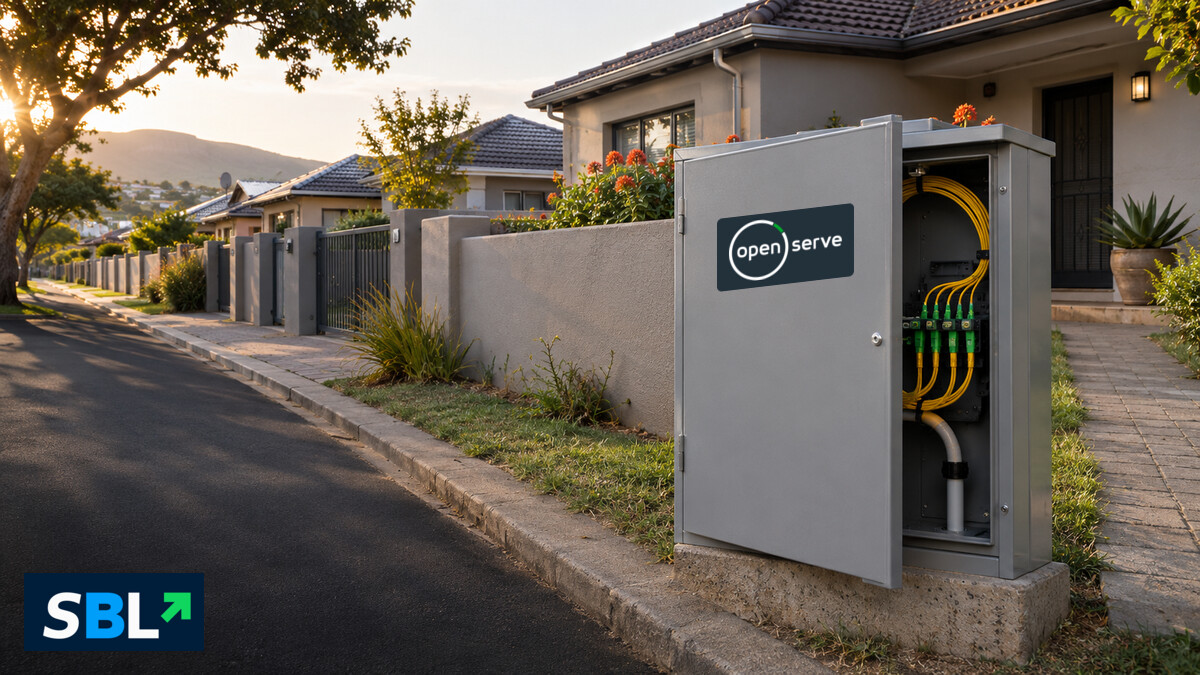
Editorial illustration of a fibre street cabinet near homes. Openserve mark sourced from Openserve.
Openserve’s fibre network passed about 1.59 million homes by 30 September 2026, and 870,856 homes were connected. The difference matters if you’re moving or shopping for broadband: a street can have fibre infrastructure while a particular house or flat still needs an installation or an active internet plan.
Telkom’s interim results, released on 17 November, put the share of homes connected within Openserve’s network footprint at 54.8%, up from 52.0% a year earlier. Its detailed results booklet puts the number of homes passed at 1,590,530 and reports a 15.1% year-on-year rise in homes connected.
What the 54.8% measures
A home is counted as passed when it falls within the footprint the operator reports for that network. A connected home is one Openserve counts as connected to its fibre network. Subtract the two reported totals and the gap is 719,674 homes. That gap compares two Openserve figures at a single date. A household in it may use another fibre operator or a different broadband service. The results don’t break down why individual homes haven’t connected to Openserve.
For Telkom, the rise in take-up matters because it can earn more from infrastructure it has already built. The results say Openserve is prioritising connections inside its existing footprint alongside targeted expansion. For households, the national figures say little about a particular street, building or unit.
How to check Openserve fibre coverage at your address
Start with Openserve’s coverage tool and search the full street address. If you live in a complex, give your chosen internet service provider the complex name and unit number too. Ask the provider to confirm that it can place an order for that exact unit. If the address is missing or the map result is unclear, ask the provider to confirm whether it can install fibre there before you commit.
Check whether a fibre box is already installed. An existing Openserve line may only need a service order with your chosen provider. If the property still needs a physical connection, ask which work is required and who books the installer.
Before signing up, ask for the installation and activation charges, when billing starts, and whether the provider supplies a router. Compare the ongoing price once any promotion expires. If you’re switching providers, confirm when the new service can go live and how much notice your current plan requires.
If Openserve can’t confirm your address, check other networks that serve the building. If you’re moving and need service on day one, ask the provider for a confirmed installation or activation appointment before relying on the connection.
Related reading: What fibre-ready means for the Empangeni housing pilot.



Leave a Reply